How to Use ChatGPT for Free in 2026 — The Complete Guide
Let’s be real — not everyone wants to pay $20 a month for an AI subscription. Whether you’re a student on a tight budget, a casual user who just needs occasional help, or simply someone who wants to explore AI before committing to a paid plan, you’ll be happy to know that using ChatGPT for free in 2026 is absolutely possible — and more capable than most people realize.
The AI landscape has changed dramatically in recent years. OpenAI has expanded its free offering significantly, and there are now multiple legitimate, fully legal ways to access ChatGPT’s powerful capabilities without spending a single cent. There are also a handful of tricks, promotions, and alternatives that can give you access to even more features at no cost.
This guide covers everything you need to know: what the free tier actually offers in 2026, its limits, how to maximize it, legitimate ways to get Plus features for free, the best free alternatives, and practical tips for getting the most out of ChatGPT without paying. Let’s get into it.
What Is the ChatGPT Free Tier in 2026?
First things first — yes, ChatGPT has a completely free tier that anyone can access. No credit card required, no trial that expires, no hidden fees. You simply create an account at chat.openai.com and start using it immediately.
But what exactly do you get on the free plan in 2026? More than you might expect.
The Model You Get on the Free Tier
The free plan gives you access to GPT-5.2 Instant — OpenAI’s standard model for fast, everyday tasks. This is the same base model that paid users get — you’re not running a downgraded version.
This is a significant point worth emphasizing. ChatGPT’s free tier in 2026 doesn’t give you a stripped-down, inferior model. You get access to the same GPT-5.2 Instant that powers paid plans — a genuinely capable, frontier AI model that handles the vast majority of everyday tasks with ease.
Message Limits on the Free Tier
Here’s where the limitations kick in. ChatGPT Free tier accounts can send up to 10 messages with GPT-5.3 every 5 hours. After reaching this limit, chats will automatically use the mini version of the model until your limit resets.
This is important to understand: when you hit the 10-message cap, ChatGPT doesn’t stop working. It silently switches you to GPT-5.2 Mini, a lighter model that’s noticeably less capable. You’ll get shorter, less detailed answers — but you can keep chatting.
So in practice, the free tier gives you:
- 10 high-quality messages per 5-hour window using GPT-5.2 Instant
- Unlimited messages using GPT-5.2 Mini after hitting your cap
- A rolling window that resets every 5 hours — meaning if you space your sessions strategically, you could theoretically send 48+ Instant messages per day.
What Features Are Included for Free?
You’d be surprised how many features are available on the free tier in 2026:
Web Search — Free users can ask ChatGPT to search the web for up-to-date information. This works the same as on paid plans. This is huge — it means free users can get real-time, current information without any paywall.
Image Understanding — Free users can upload images to ChatGPT and ask questions about them — describing contents, extracting text, identifying objects, and analyzing screenshots.
Image Generation — Free users get 2–3 image generations per day on a 24-hour rolling window.
File Uploads — You can upload documents, spreadsheets, and PDFs on the free tier, though with tighter limits than paid plans.
Custom GPTs — Free tier users have access to a large range of capabilities with GPT-5.2, including access to GPTs in the GPT Store. You can use thousands of custom AI tools built by the community — though creating your own requires a paid plan.
Voice Conversations — Basic voice chat features are available to free users, allowing you to speak to ChatGPT and receive spoken responses.
Coding Help — You can ask coding questions, get code snippets, debug errors, and explain code — all within your 10-message Instant quota.
What’s NOT Available on the Free Tier?
Being clear about limitations is just as important as knowing what’s included. Here’s what free users miss out on:
- GPT-5.4 Thinking (deeper reasoning mode) — requires Plus or higher
- Codex agent (autonomous coding) — paid plans only
- Deep Research (10 runs/month) — Plus and above
- Creating custom GPTs — paid plans only
- Higher file upload limits — paid plans get significantly more
- Ad-free experience — ads are shown to Free and Go tier users in the US as of February 2026. Only Plus ($20) and Pro ($200) users enjoy a completely ad-free experience.
- Priority access during peak hours — free users may experience slower responses during high-traffic periods
Understanding ChatGPT’s Full Plan Structure in 2026
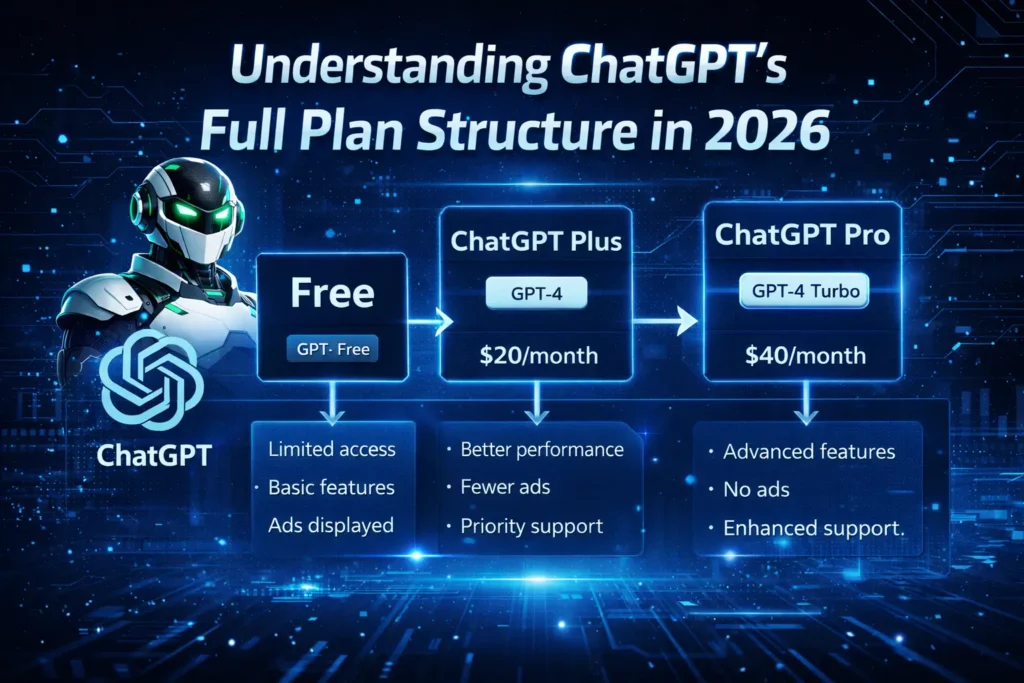
To truly maximize your free usage, it helps to understand the full landscape of what’s available — free and paid — so you can make the most informed decision.
OpenAI now offers seven ChatGPT pricing tiers in 2026. The biggest recent changes include the brand-new Pro $100/month tier launched April 9, 2026, the Go plan going global at $8/month in January 2026, GPT-5.4 launching across all plans on March 5, 2026, and ads appearing on Free and Go tiers in the US.
Here’s the full breakdown:
Free — $0/month
The foundation. Great for casual, occasional use. 10 messages per 5-hour window on GPT-5.2 Instant, then unlimited on GPT-5.2 Mini. Includes web search, image understanding, limited image generation, and Custom GPT access. Shows ads in the US.
Go — $8/month
ChatGPT Go provides everything included in the Free plan, and more messages, larger file uploads, and expanded image generation. Available in 98 countries. Also shows ads.
Plus — $20/month
The most popular paid plan. Plus users can send up to 160 messages with GPT-5.3 every 3 hours, and up to 3,000 GPT-5.4 Thinking messages per week. Completely ad-free. Includes Deep Research (10 runs/month), DALL-E image generation, Codex, and advanced reasoning control.
Pro $100/month
Launched April 9, 2026, with 5x Plus usage and a limited-time 10x Codex boost through May 31, 2026. A new middle-ground option for heavy users who regularly hit Plus limits.
Pro $200/month
Offers 20x Plus usage, 1M token context, and exclusive o1 Pro mode. Designed for power users, researchers, and developers with intensive daily workflows.
Business and Enterprise
Custom pricing for teams and organizations, with data privacy guarantees, SSO integration, and dedicated support.
How to Maximize the ChatGPT Free Tier
Just because you’re on the free tier doesn’t mean you can’t get serious value out of it. Here are practical strategies to squeeze every drop of value from your free 10 messages per window.
1. Be Strategic With Your 10 Messages
Your 10 Instant-model messages are precious — don’t waste them on simple questions you could Google. Save them for complex tasks that genuinely benefit from a powerful AI: writing a detailed email, debugging tricky code, analyzing a document, or getting a comprehensive explanation of a difficult topic.
For simple, quick questions — factual lookups, basic calculations, simple definitions — let the Mini model handle those after your limit resets. It’s perfectly capable for straightforward tasks.
2. Use One Message for Multiple Tasks
Instead of sending several short messages, combine everything into a single, detailed prompt. For example, instead of three separate messages asking for an introduction, body, and conclusion of an essay, ask for the complete essay in one well-structured prompt. This maximizes the output you get per message used.
3. Space Your Sessions Across the Day
Since the limit resets every 5 hours, planning your usage in sessions rather than marathon conversations helps you access the full model more often. A morning session, an afternoon session, and an evening session across a 15-hour day gives you 30 high-quality messages daily — completely free.
4. Use Web Search for Current Information
One of the most underutilized features of the free tier is the built-in web search. Don’t just ask ChatGPT questions from its training data — ask it to search the web and bring you the latest information on any topic. This is a feature that would cost you money on many competing platforms.
5. Leverage Custom GPTs
The GPT Store contains thousands of specialized AI tools built for specific tasks — SEO writing, resume building, language learning, recipe generation, coding assistance, and much more. Many of these are available on the free tier and can deliver highly specialized, high-quality results that go beyond what a standard conversation provides.
6. Upload Images When Relevant
If you’re trying to understand a concept, troubleshoot a problem, or get feedback on something visual, upload an image. Free users can analyze photos, screenshots, charts, handwritten notes, and more — this is a powerful capability that many free users don’t realize is available.
7. Opt Out of Data Training
By default, your free tier conversations may be used to improve OpenAI’s models. You can disable this in Settings > Data Controls > Improve the model for everyone. Note: turning this off does not affect your ChatGPT experience. If you’re discussing sensitive topics or personal information, this is worth doing.
Legitimate Ways to Get ChatGPT Plus Features for Free
If you want access to Plus-tier features without paying the full $20/month, there are several legitimate, safe methods worth knowing about.
1. Friend Referral Invite Links
People who already pay for ChatGPT Plus have a special power — they can create unique “Invite” links from their account settings. If a friend sends you one of these invite links, you can get a complete free trial of the Plus tier, usually lasting 7 to 14 days. Reach out to friends, family, or coworkers who have active Plus accounts, or check communities like Reddit where users sometimes share extra invite codes.
2. Educational Promotions and Student Discounts
OpenAI periodically runs special educational campaigns, offering free access — usually for 1 or 2 months — to full-time university students. You just have to prove you are a student by using your official school email address.
Additionally, Codex for Students is now available for verified university students in the United States and Canada. Eligible students can claim $100 in ChatGPT credits to extend Codex usage beyond standard limits. Students sign in at chatgpt.com/codex/students and complete verification through SheerID with their university email.
3. Partnership and Platform Promotions
Common methods include official trial invitations and partnership promotions through various platforms, as well as promotional codes distributed during holidays. Keep an eye on OpenAI’s official social media channels and newsletter for announcements about limited-time promotions and regional offers.
4. The Cancellation Trick (Current Subscribers)
If you already have a Plus subscription, go to your account settings and click “Cancel Subscription.” OpenAI sometimes offers a free extension or discount to retain you as a subscriber — this is a well-known retention tactic that doesn’t always work but is worth trying if you’re considering canceling anyway.
5. Microsoft Copilot — The Secret Free Upgrade
This is one of the best-kept secrets in the AI space. Microsoft Copilot is available completely free and is powered by OpenAI’s technology — giving you access to GPT-level intelligence, web search integration, and even image generation through DALL-E without paying a cent. It’s built directly into Windows and accessible via the Copilot website. For many users, Copilot serves as a practical free alternative that delivers comparable results to ChatGPT’s paid tier for everyday tasks.
Best Free Alternatives to ChatGPT in 2026
If you find that ChatGPT’s free tier limits don’t meet your needs, there are genuinely excellent free alternatives that deserve serious consideration.
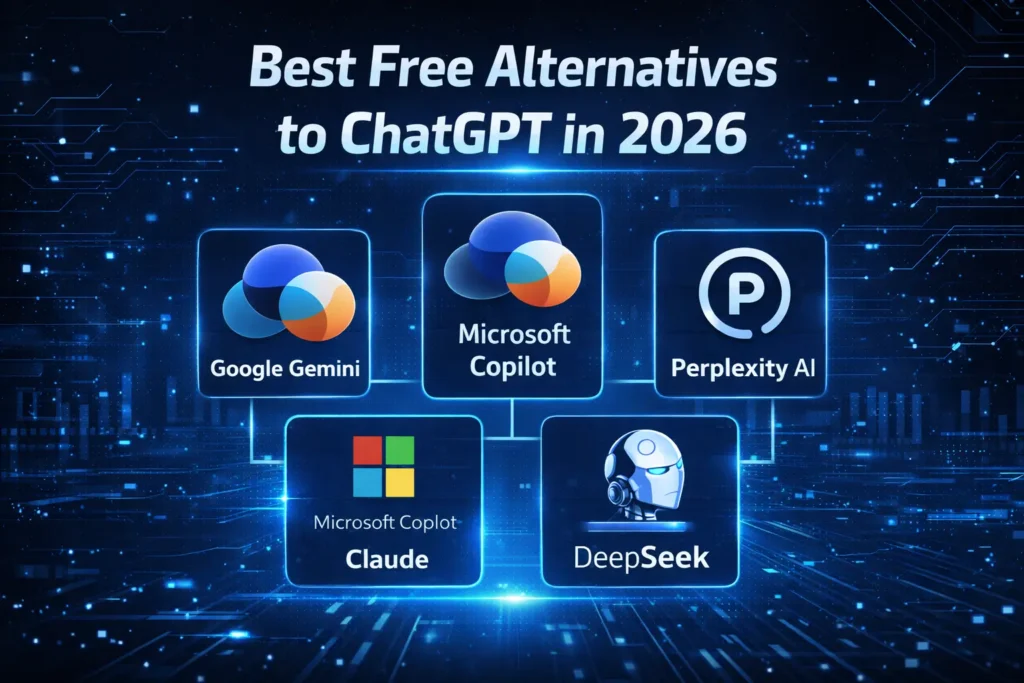
1. Google Gemini (Free Tier)
Gemini’s free plan gives access to Gemini 2.5 Flash, which handles most everyday tasks competently. For users heavily embedded in Google’s ecosystem — Gmail, Docs, Drive — Gemini’s seamless native integration makes it an incredibly compelling free option. It also includes real-time Google Search grounding and native multimodal capabilities including image and video understanding.
You may interested in: ChatGPT & Gemini Comparison
2. Claude (Free Tier — Anthropic)
Claude’s free tier offers access to Claude Sonnet 4.6 — one of the most capable AI models available anywhere, completely free. Claude is widely regarded as having superior writing quality and more thoughtful, nuanced responses than ChatGPT. For content creation, writing assistance, and document analysis, Claude’s free tier is arguably the strongest free AI offering available in 2026. Visit claude.ai to get started.
3. Microsoft Copilot
As mentioned above, Copilot is free, powered by OpenAI’s models, and deeply integrated into Windows and Microsoft Edge. It includes web browsing, image generation, and document understanding — making it a powerful no-cost option for Windows users.
4. Perplexity AI (Free Tier)
Perplexity is a search-focused AI that excels at research tasks. Every answer comes with cited sources you can verify, making it invaluable for research, fact-checking, and staying current with rapidly evolving topics. The free tier is generous and genuinely useful for information-seeking tasks.
ChatGPT Free vs Paid — Is Upgrading Worth It?
Now for the practical question: should you pay for a higher tier?
For most individual users, Plus at $20/month hits the sweet spot between cost and capability. If you use ChatGPT a few times a day for writing, coding, studying, or research, Plus is enough.
But here’s an honest assessment based on different usage profiles:
Stick with the free tier if:
- You use ChatGPT occasionally — a few times a week or less
- Your tasks are relatively simple — basic writing, quick questions, light research
- You’re happy to plan your usage in sessions to stay within the 10-message window
- You’re comfortable with occasional ads (US users)
- You’re a light user who can supplement with free alternatives like Claude or Gemini
Consider upgrading to Go ($8/month) if:
- You use ChatGPT daily but don’t need the full Plus feature set
- You want more messages and larger file uploads without committing to $20/month
- The budget matters and you want the most affordable ad-supported paid option
Upgrade to Plus ($20/month) if:
- You use ChatGPT heavily throughout the day
- You regularly hit the 10-message free limit before your window resets
- You need access to GPT-5.4 Thinking for complex reasoning tasks
- You want Deep Research, higher image generation limits, and Codex access
- You want an ad-free experience
- ChatGPT is genuinely part of your daily professional workflow
Practical Use Cases You Can Do Completely Free
Here are some of the most valuable things you can do with ChatGPT’s free tier — no subscription required:
Writing and Content — Draft emails, cover letters, social media posts, blog outlines, and short articles. The free tier is more than capable for most writing tasks.
Studying and Learning — Get detailed explanations of complex topics, quiz yourself, get feedback on your understanding, or break down difficult academic concepts into plain language.
Coding Help — Debug errors, get code snippets, understand unfamiliar code, and get explanations of programming concepts. Perfect for students and hobbyist developers.
Research — Use the built-in web search to get up-to-date information on any topic, with sources cited. A powerful research companion at zero cost.
Translation — Translate text between dozens of languages quickly and accurately.
Brainstorming — Generate ideas for business names, project concepts, gift ideas, meal plans, travel itineraries, and much more.
Image Analysis — Upload photos, screenshots, or charts and get intelligent analysis and descriptions. Useful for everything from understanding a complex diagram to extracting text from an image.
Tips for Getting the Most Out of ChatGPT — Free or Paid
Regardless of which tier you’re on, these prompting and usage tips will help you get dramatically better results from ChatGPT:
Be specific and detailed in your prompts — The more context and detail you provide, the better and more tailored the response. Don’t just say “write an email” — say “write a professional follow-up email to a client who hasn’t responded to my proposal in two weeks, keep it friendly but firm.”
Use role-setting — Tell ChatGPT to adopt a specific role or expertise: “Act as an experienced financial advisor and explain…” or “You are a senior software engineer reviewing this code…” This dramatically improves response quality.
Ask for formats — Specify how you want the answer structured: “Give me this as a bullet list,” “Write this in three short paragraphs,” or “Format this as a table.”
Iterate and refine — Don’t expect perfection on the first try. Build on the initial response: “Make this more concise,” “Add more detail to the second point,” or “Rewrite this in a more casual tone.”
Break complex tasks into steps — For large projects, approach them in stages rather than one massive prompt. This gives you better control and often produces higher-quality results.
Final Thoughts — ChatGPT for Free in 2026 Is More Powerful Than You Think
The bottom line is this: ChatGPT’s free tier in 2026 is genuinely impressive. You get access to frontier AI technology — the same base model as paying customers — with real limitations but also real capabilities. Web search, image understanding, image generation, voice chat, Custom GPTs, and coding help are all available at zero cost.
For light to moderate users, the free tier is more than enough. For heavier users, the Go plan at $8/month offers excellent value before stepping up to Plus. And if you ever need more than the free tier offers, the legitimate methods for accessing Plus features — referral links, student promotions, and alternatives like Microsoft Copilot — mean you have options beyond just paying full price.
The AI revolution is happening whether we pay for it or not. And in 2026, some of the best AI in the world is available for free — you just need to know how to use it.
Know someone who thinks you have to pay for AI? Share this guide with them — because the best things in tech really can be free.