What is eSIM and How Does It Work? The Complete 2026 Guide
Remember the last time you switched phones and had to hunt for that tiny SIM ejector pin, fish out a chip the size of your thumbnail, and carefully slot it into your new device — praying you didn’t lose it down the drain? Those days are rapidly becoming history.
In 2026, over 75% of flagship smartphones ship with eSIM capability as standard. From iPhones to Samsung Galaxy devices, Google Pixels to smartwatches, eSIM technology has quietly moved from a niche feature to the new normal in mobile connectivity. And if you’ve ever wondered what exactly an eSIM is, how it works, whether your phone supports it, and why it matters — this guide answers every question you have.
What is an eSIM?
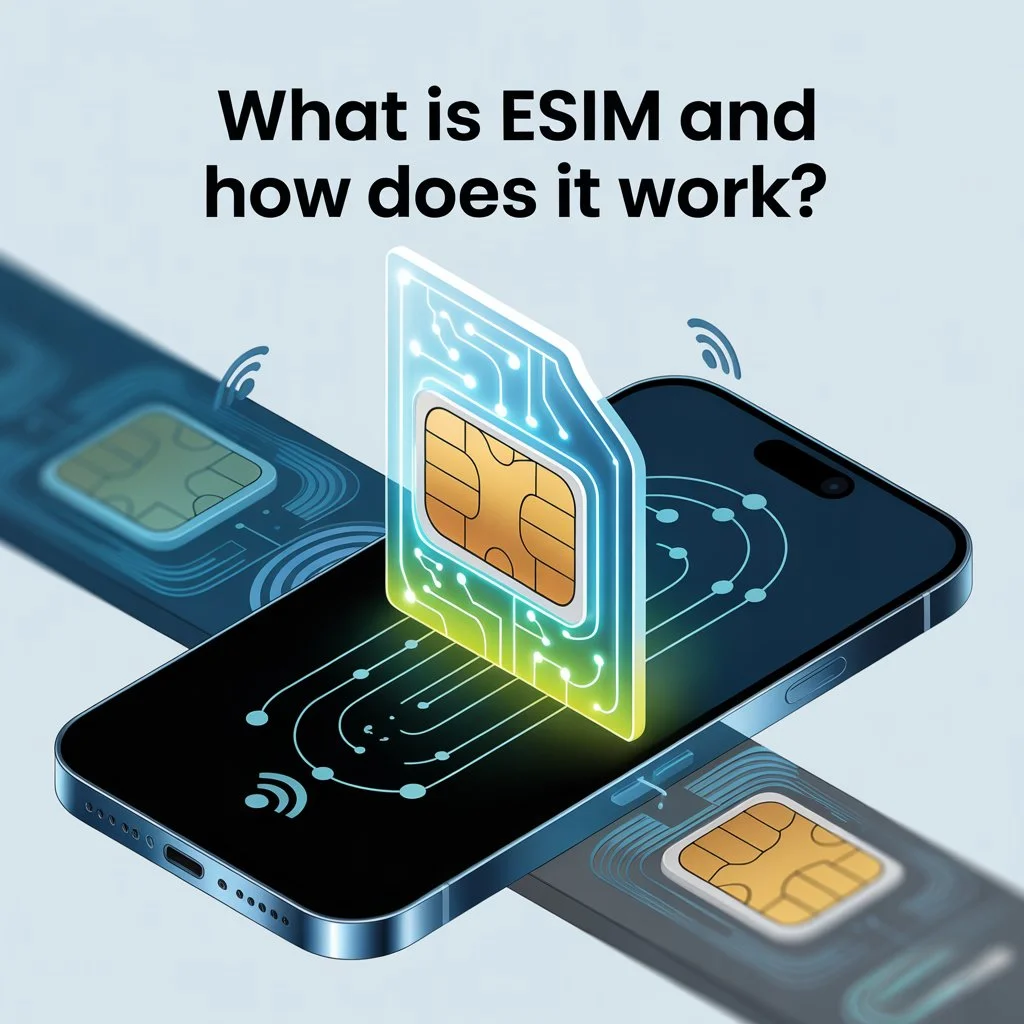
An eSIM (embedded SIM) is a digital SIM built directly into your phone, tablet, or smartwatch that allows you to connect to a mobile network without inserting a physical SIM card. Instead of swapping plastic SIMs, you download an eSIM profile digitally, activate it in your device settings, and your device connects to a supported mobile network just like a traditional SIM.
The “e” in eSIM stands for embedded — meaning the SIM chip is permanently soldered into your device’s motherboard during manufacturing. You can’t remove it, lose it, or accidentally put it through the washing machine. It’s simply always there, waiting to be activated with whatever mobile plan you choose.
An eSIM is an embedded subscriber identity module — a built-in chip in your phone that does everything a traditional SIM would do, but without having to slot a tiny card into your phone. Additionally, an eSIM allows you to use several carriers and phone numbers at once.
eSIM vs Physical SIM — What’s the Difference?
To understand eSIM properly, it helps to see it side by side with the traditional SIM card it’s replacing.
An eSIM is a digital chip embedded in your device, while a traditional SIM card is a physical chip that must be inserted manually. eSIM is programmed remotely via QR code or app, eliminating the need to swap cards when changing carriers or traveling.
Here’s a clear breakdown of the differences:
| Feature | Physical SIM | eSIM |
|---|---|---|
| Form | Removable plastic chip | Permanently embedded chip |
| Activation | Insert card, restart device | Scan QR code or use carrier app |
| Switching carriers | Requires new physical SIM | Done digitally in settings |
| Multiple plans | Requires multiple SIMs | Store up to 20 profiles on one device |
| Lost or stolen | SIM can be removed and misused | Cannot be physically removed |
| Environmental impact | Plastic waste | Zero plastic waste |
| Travel | Requires buying local SIM | Buy and activate plans online instantly |
Both serve the same fundamental purpose — identifying your device to a mobile network and enabling calls, texts, and data. The difference is entirely in how that connection is established and managed.
How Does eSIM Work?
At a basic level, an eSIM works by allowing a device to download and store mobile network credentials digitally. Once installed, the eSIM connects the device to a mobile network in the same way a physical SIM would.
The technology that makes this possible is called an eUICC chip — embedded Universal Integrated Circuit Card. An eSIM is a form of SIM card embedded directly into a device as software installed onto an eUICC chip.This chip is installed during manufacturing and can be reprogrammed remotely with different carrier profiles throughout the device’s lifetime.
Here’s the step-by-step process of how eSIM activation works in practice:
Step 1 — Choose a carrier and plan: Select a mobile carrier and data plan, either through the carrier’s website, app, or your phone’s built-in carrier marketplace.
Step 2 — Receive your eSIM profile: Your carrier sends you either a QR code or a digital activation link — usually delivered instantly by email or through their app.
Step 3 — Scan and download: On iPhone, go to Settings > Cellular > Add eSIM and scan the QR code. On Android, go to Settings > Mobile Network > Add eSIM. The profile downloads in minutes over Wi-Fi.
Step 4 — Activate and connect: Once downloaded, the eSIM profile activates and your device connects to the carrier’s network — exactly as it would with a physical SIM. The activation process is almost instant. After scanning the QR code and following the instructions, the digital profile is downloaded in minutes. You just need a stable Wi-Fi connection.
Key Benefits of eSIM
Instant Activation — No Store Visits Required
eSIM allows you to manage your wireless service online, making it easy to set up your device. Many devices that use eSIM don’t require a store visit or a mailed SIM card — you can download and activate eSIM over Wi-Fi. For anyone who’s spent an afternoon in a carrier store waiting to get a new SIM card sorted, this is a meaningful quality-of-life improvement.
Multiple Plans on One Device
You can install eight or more eSIMs on compatible devices and have two phone numbers active at the same time. This is transformative for professionals who want to keep work and personal numbers on a single device, or travelers who need a local data plan alongside their home number.
Superior Security
Because eSIM is built into your device and can’t be removed, it can be turned off remotely if your device is lost or stolen. Physical SIM cards can be removed from a stolen phone in seconds and used in another device. An eSIM is permanently tied to your hardware — dramatically reducing the risk of SIM-swap fraud and unauthorized use.
Perfect for International Travel
This is arguably where eSIM delivers its most immediate, tangible benefit. With eSIM for travel, users can avoid expensive roaming charges by purchasing local data plans online. Digital nomads often rely on eSIM data plans to stay connected across multiple countries — the ability to switch networks without changing SIM cards makes eSIM an essential tool for modern professionals.
Instead of hunting for a local SIM card vendor at the airport or paying extortionate roaming rates, travelers can buy and activate a local data plan before they even board their flight — entirely from their phone.
Environmental Benefits
This shift eliminates plastic SIM production and reduces electronic waste from discarded cards. When you consider the billions of physical SIM cards produced globally each year — most of which end up in landfill — eSIM’s environmental benefit is genuinely significant at scale.
Space Savings in Device Design
The physical SIM tray takes up valuable real estate inside a smartphone. The chips are much smaller than the cards currently used in most phones, leaving mobile manufacturers space to trim the size of handsets or add other essentials, such as larger batteries.
Which Devices Support eSIM in 2026?
eSIM support has expanded dramatically and now covers the vast majority of modern smartphones, tablets, smartwatches, and laptops.
Apple Devices
Apple has been one of the most aggressive adopters of eSIM technology. We’ve already seen Apple make its US iPhone 14, 15, 16, and 17 range completely eSIM-dependent since 2022. All of Apple’s latest iPhones — including the iPhone 17 and iPhone 17 Pro — come with an eSIM and a standard SIM card slot outside the US. The Apple Watch and iPad lineups also support eSIM on cellular models.
In 2026, Apple continues rolling out eSIM-only configurations in additional regions, particularly in markets with strong carrier infrastructure and digital onboarding. The direction of travel is clear — physical SIM slots on iPhones are on their way out globally.
Android Devices
eSIM is now standard across flagship and mid-range Android devices. Google’s Pixel lineup has supported eSIM since the Pixel 2, with recent US-sold Pixel 10 series devices shipping without physical SIM trays at all. Samsung’s Galaxy S and Galaxy A series, Motorola’s flagship and mid-range lineup, OnePlus, Xiaomi flagships, and many others all support eSIM in 2026.
How to Check if Your Phone Supports eSIM
Dial *#06# on your phone. If an EID code appears, your device supports eSIM. You can also check Settings on your device — look for “Add eSIM” or “Add Cellular Plan” in your network or cellular settings. If the option exists, your device is eSIM-compatible.
How to Set Up eSIM — Step by Step
On iPhone
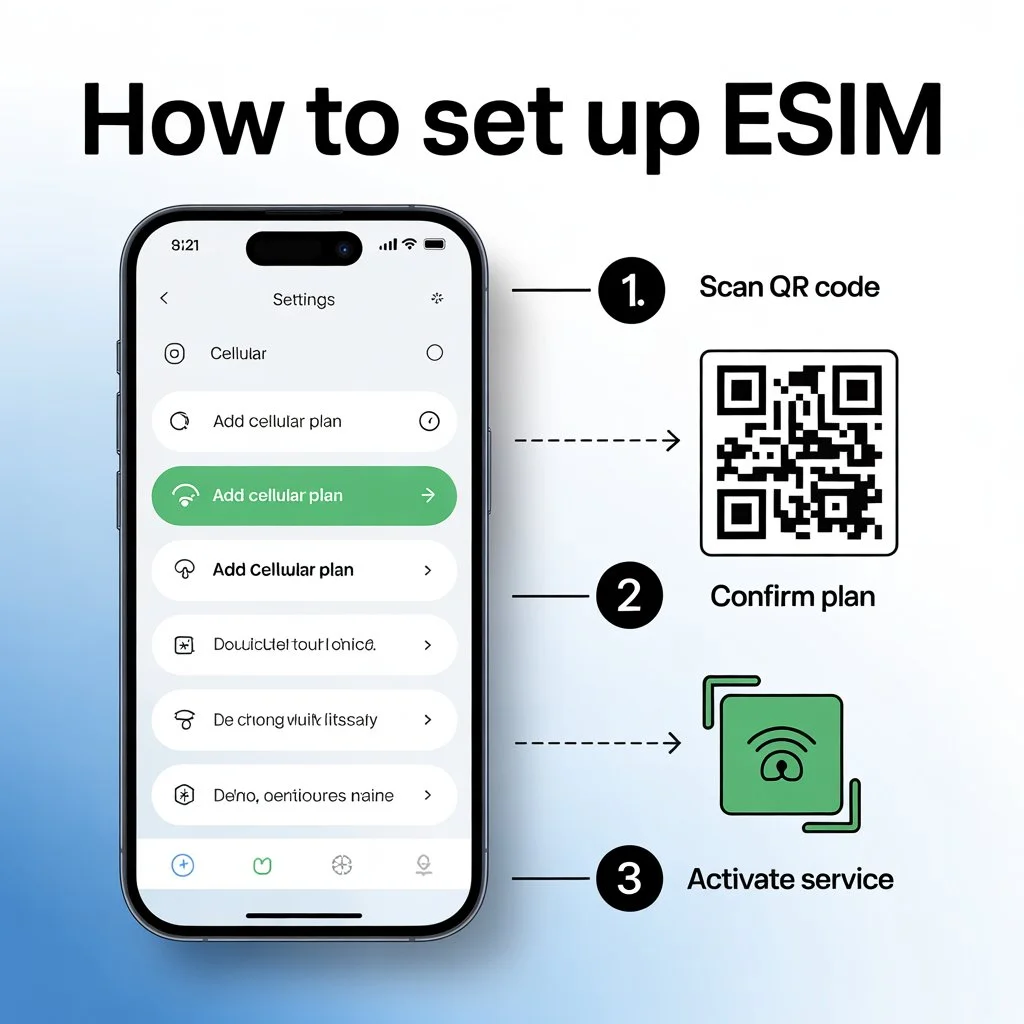
- Go to Settings > Cellular > Add eSIM
- Choose to scan a QR code from your carrier, use a carrier link, or enter details manually
- Scan the QR code provided by your carrier
- Tap Continue and follow the on-screen prompts
- Wait for the plan to activate — usually takes a few minutes
- With iOS 26, you can transfer more than one phone number to your new iPhone.
On Android (Samsung)
- Go to Settings > Connections > SIM Manager
- Tap Add eSIM
- Choose Scan QR code or enter activation code manually
- Follow the on-screen instructions to complete activation
On Android (Google Pixel)
- Go to Settings > Network & Internet > SIMs
- Tap Add eSIM
- Scan the QR code from your carrier
- Follow the prompts to complete setup
eSIM for Travel — The Game Changer
For travelers, eSIM has fundamentally changed the economics and convenience of international connectivity.
Before eSIM, the options were grim: pay expensive roaming rates from your home carrier, buy a physical local SIM at the destination and lose your regular number, or carry multiple phones. None of these were great solutions.
With eSIM, the process is entirely different. Users can purchase a local data plan online, avoiding expensive roaming charges. Everything is managed digitally through device settings — there’s no need to carry multiple SIM cards or visit local stores.
eSIM travel providers like Airalo, Holafly, Saily, and dozens of others offer regional and global plans that cover multiple countries under a single eSIM profile. You can buy a plan covering 30+ European countries, activate it before your flight, and arrive abroad with data already working. Your home number stays active on your physical SIM or home eSIM profile simultaneously.
Country-specific eSIMs are often suitable for single-country trips, while regional or global eSIMs can provide better continuity when crossing borders.
Limitations of eSIM — What to Watch Out For
eSIM isn’t perfect, and being aware of its limitations helps you avoid frustration.
Device compatibility — Older devices don’t support eSIM. If your phone is more than four or five years old, it may lack eSIM capability entirely.
Carrier lock restrictions — If a phone is bought directly from a carrier with a SIM lock, the phone can only add eSIMs from the carrier that locked the phone, even after a carrier unlock. Always check lock status before assuming full eSIM flexibility.
No local phone number on travel eSIMs — Many travel eSIMs do not include a local phone number. They provide data only, which covers most needs but means you won’t have a local number for calls and texts in your destination country.
Internet required for setup — You need an internet connection to download and activate an eSIM. Without Wi-Fi or cellular data, setup may be delayed. This can occasionally be a catch-22 when arriving in a new country without any active connection.
Accidental deletion — Accidentally deleting an eSIM may require reinstallation. Unlike a physical SIM you can just re-insert, a deleted eSIM profile needs to be re-provisioned by your carrier — usually straightforward, but occasionally time-consuming.
eSIM and the Future of Mobile Connectivity
The trajectory is clear. Physical SIM cards are being phased out — not overnight, but steadily and inevitably. Apple’s eSIM-only approach in the US has set a precedent that other manufacturers are following. Network operators increasingly support remote profile management through dedicated apps, and this shift eliminates plastic SIM production and reduces electronic waste from discarded cards.
For consumers, this means a future where activating a new phone takes minutes rather than days, switching carriers is as easy as changing a setting, traveling internationally never requires a visit to a phone shop, and your connectivity follows you seamlessly wherever you go.
With advancements in 5G and upcoming network technologies, eSIM will play a central role in shaping the future of mobile connectivity. The embedded SIM isn’t just a convenience upgrade — it’s the infrastructure on which the next generation of connected devices, IoT systems, wearables, and mobile computing will be built.
Final Thoughts
eSIM is one of those technologies that sounds complicated until you actually use it — and then you wonder how you ever lived without it. No more tiny plastic chips, no more SIM ejector pins, no more paying extortionate roaming fees abroad, and no more choosing between your work and personal number on a single device.
In 2026, eSIM technology has revolutionized connectivity — making it the most efficient solution for international travel and dual-SIM users. Whether you’re a frequent traveler, a professional juggling multiple numbers, or simply someone who hates fiddling with tiny SIM cards, eSIM makes mobile connectivity smarter, faster, and more flexible than ever before.
If your device supports it — and in 2026, there’s a good chance it does — there’s never been a better time to make the switch.
Not sure if your phone supports eSIM? Dial *#06# right now — if an EID appears, you’re already compatible.